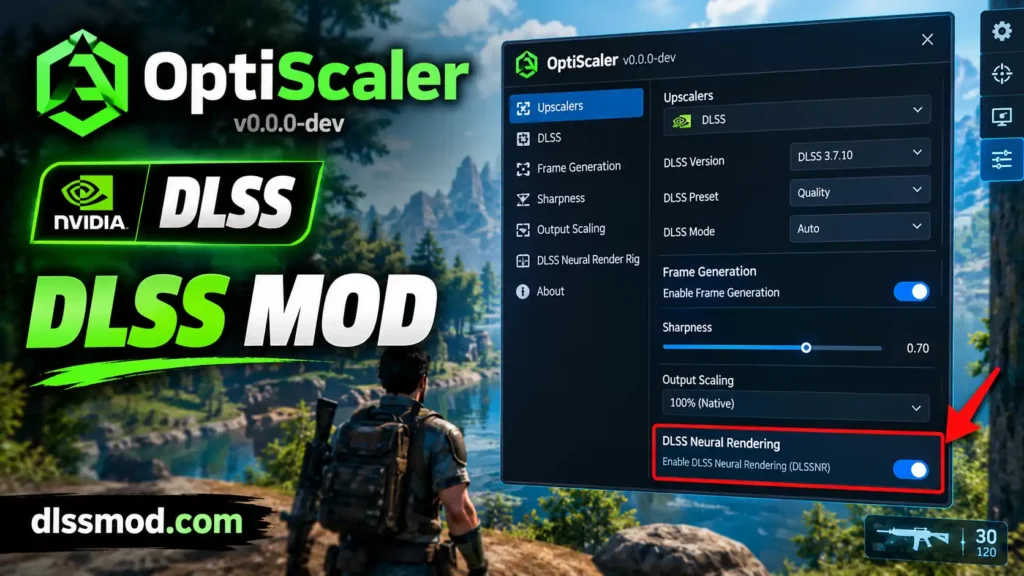
OptiScaler DLSS 5: How to Install Neural Rendering in Any Game
DLSS 5 is NVIDIA’s new Neural Rendering pass. It adds extra detail to your game image. NVIDIA has not released it for older games yet. OptiScaler lets you add it yourself. This guide shows you how. It takes about 10 minutes.
What you need
- The OptiScaler + DLSSNR build (latest version: v0.2.0)
- NVIDIA driver 616.56 or newer
- The file
nvngx_dlssnr.dll— you must supply this yourself - A game that already uses DLSS, FSR, or XeSS
The nvngx_dlssnr.dll file is not in the download. It belongs to NVIDIA. It comes from a driver package. You need one copy in every game folder. There is no system-wide location for it.
RTX 40, 30 and 20 owners: the normal file only runs on RTX 50 cards. You need a modded version of nvngx_dlssnr.dll to make it work on older cards.
Install steps
- Find your game folder. This is the folder with the game’s
.exefile. It is not always the main folder.
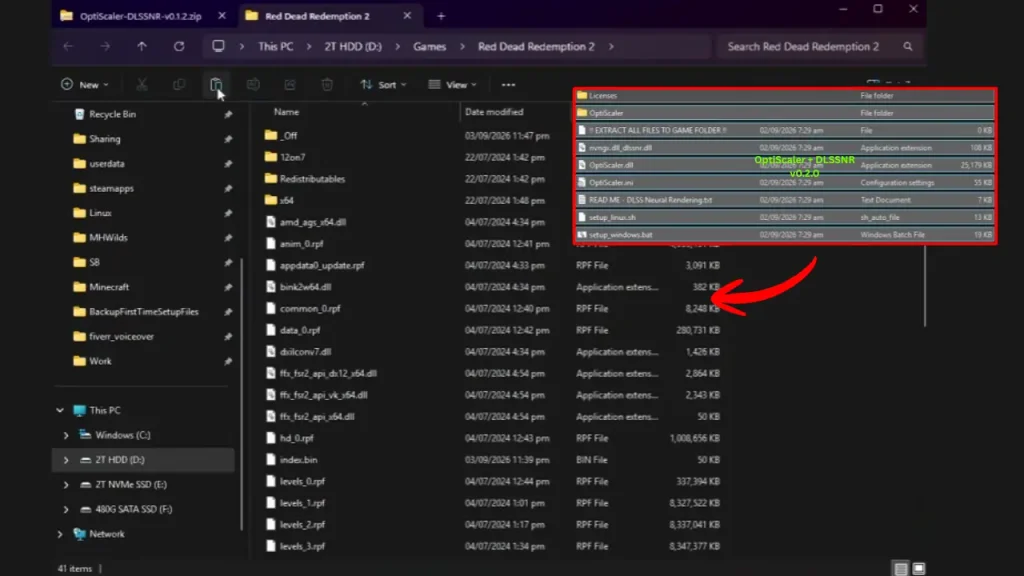
- Extract all OptiScaler files into that folder.
- Run
setup_windows.bat. Answer the questions it asks. It renames the file for your game and creates an uninstaller. - Copy
nvngx_dlssnr.dllinto the same folder.
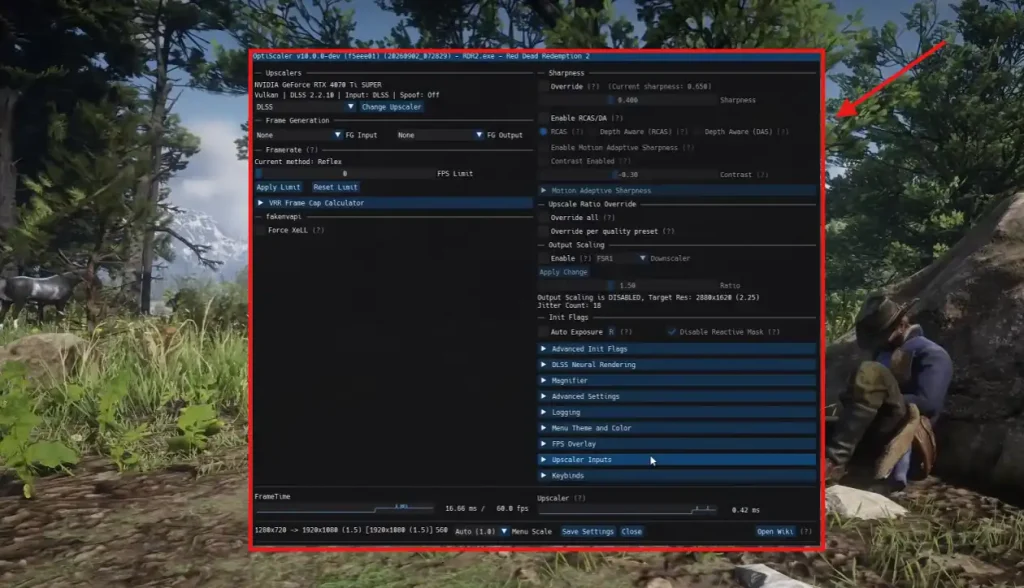
- Start the game. Open the OptiScaler overlay. Turn on Neural Rendering.
You can also set a hotkey. Go to Keybinds and find “Neural Rendering”. It is empty by default. A hotkey lets you turn the effect on and off without opening the menu.
DX11 games need an extra step
The model does not run on DX11. OptiScaler moves the game to DX12 first. So you must pick the right upscaler yourself.
Open the drop-down at the top left. Choose an option that says w/Dx12, like “FSR 3.X w/Dx12” or “XeSS w/Dx12”.
Important: you cannot use DLSS as your upscaler in DX11 games. If you pick DLSS, Neural Rendering will not run. Vulkan games work normally and need no bridge.
What it costs in FPS
This effect is not free. It runs after your upscaler, so it adds work every frame. Players report large frame rate drops in some games. Test it in your own game before you decide.
Common problems
| Problem | Fix |
|---|---|
| Game crashes on launch | Update your driver to 616.56 or newer |
| Option is greyed out | nvngx_dlssnr.dll is missing or in the wrong folder |
| Colours look wrong | Turn on the game exposure option in the Colour menu |
| No effect in a DX11 game | Pick a “w/Dx12” upscaler in the drop-down |
Is it safe?
Download only from the official GitHub page. Never download the mod from random file-sharing sites. Fake copies exist and some carry malware. Always check the file before you run it.
How to remove it
Run the uninstaller that setup_windows.bat created. You can also delete the files you copied. To keep OptiScaler but turn off the effect, open OptiScaler.ini and set Enabled=false under [DlssNr].